

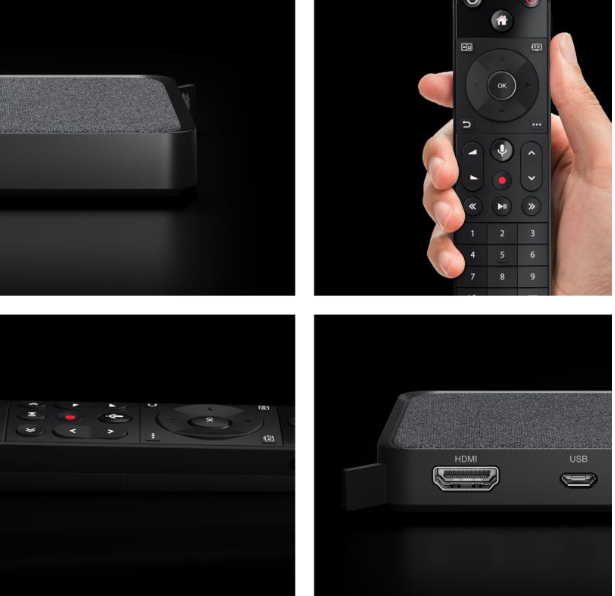
Streaming TV Box
Box Contents


Installation

Important Message
Power up the box : Please connect your Streaming TV Box to the power supply unit using the usb cable provided
Power source options : While some TV's have USB ports its recommended to use the power supply unit provided


Tips & Tricks
1. The standard PIN for parental control and for renting films is 0000.
2. No shelf or spot for your Streaming TV Box? No problem - use the Velcro strips to attached your new box to the back of your TV.